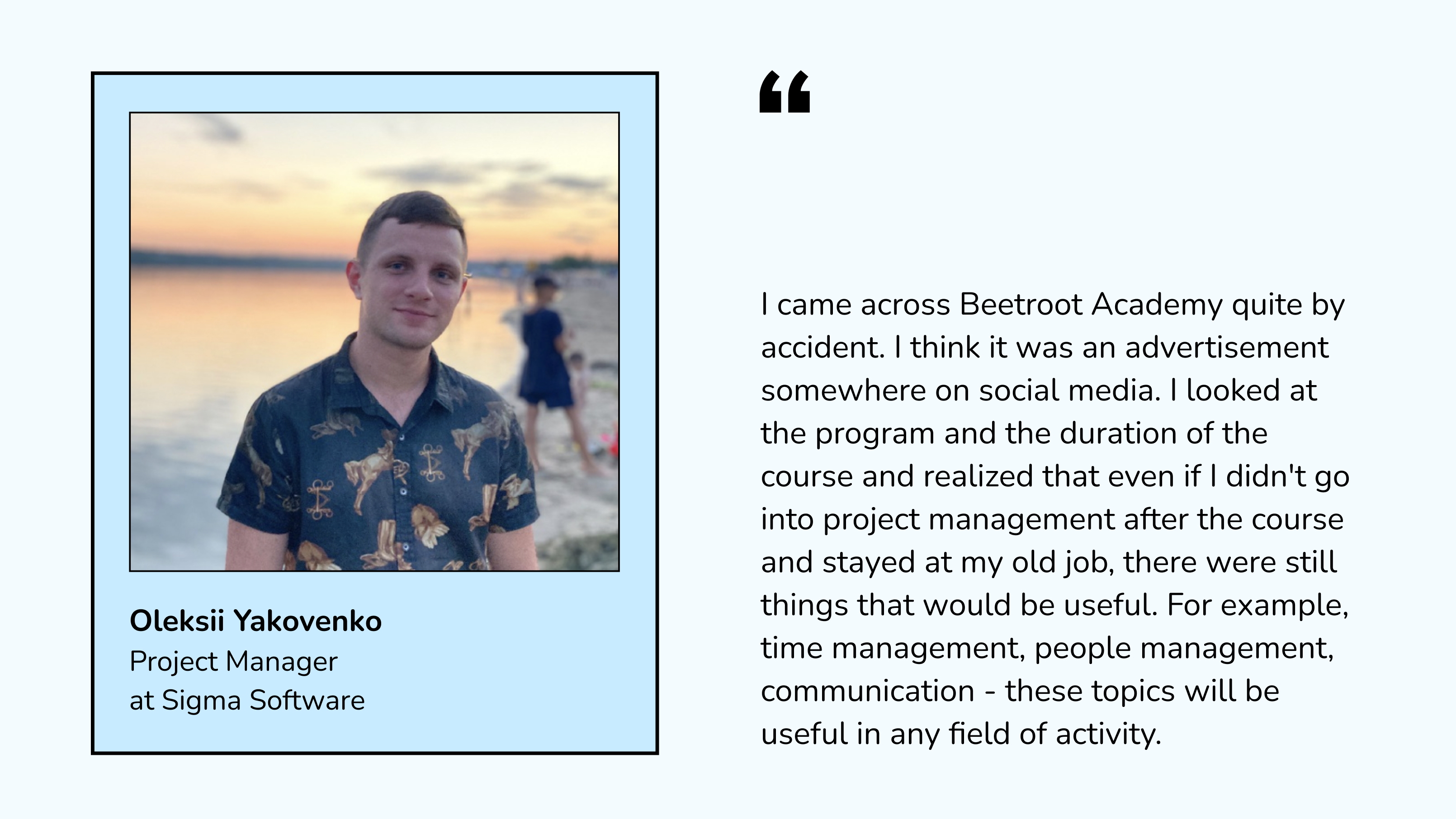
When I started the course, I did not want to change my job immediately. I decided to gain knowledge and skills for my general development and understand whether Project Management was what I had imagined. I looked at the program, took a test, and talked to the coordinator. Everything was very clearly organized. I like it when everything is structured, and you see well-established processes.
In my opinion, a big advantage was that our teacher, Nastia Yudina, was a practitioner who decided to share her experience with newcomers. We were her first group. Nastia has a very cool methodology, so the course was full of practical things.
You ask, and the Academy helps you
I want to note the teacher's credo and, probably, the entire Beetroot Academy, which is helping with employment. I sent Nastia some test assignments three times, and she checked them and told me how to improve them and what to do. She also looked at my CV several times and helped me improve it.
I am sure that this is not only the culture of the teacher, but also the school culture, that they will help you at any time. And even now, we call up our group and Nastia every six months or four months. We communicate, exchange news, and tell each other who works where and what they do.
This is the atmosphere created at Beetroot Academy; it's very cool and fun. And now, having already worked in two companies, I realize that the materials and knowledge taught in the course correspond to what companies need from project managers.
Advice to those who want to move to tech
You should understand why you are doing this, i.e., weigh the pros and cons and not expect rapid success. You will have to work more than a few hours, and no one is waiting for you with a bag of money.
You have to understand that you will work more than 8 hours a day at the beginning, and you may earn even less than before. When I came to tech, I lost half of my income. However, I understand that this is the learning curve. But it will get easier, just like in any profession.
I think those who are thinking about tech should try it. There are a lot of free lectures. And if you are interested, try to take courses because, without courses and experience, you will not be hired anywhere.
As for age, for example, in the last company where I worked, there was a junior developer aged 42 on the team. In general, it is important for an employer, regardless of age, to have a transparent motivation, i.e., why did you decide to change your profession? The main thing is that you should be able to explain to your employer your desire to work and develop here, and when you are hired, you should show that you really want to and are capable of it.
If you're a senior manager, you must prove that you deserve this position. I think that in any field and any position, and especially in project management, it is crucial that you develop, that you learn something, and that you can do more today than you did yesterday. And you don't just know; you take it and do it.
As for the financial component, I have not yet reached the level of income I had when I worked in pharmacy. But I think it will take about a year of my official employment, and my income will be at the same level, or maybe even higher.
Where to look for a job after graduation? What should you be prepared for?
Firstly, you must look for a job while still studying, because it is a very long process. I was looking for my first job for three months.
Secondly, I looked at vacancies everywhere: on various job boards and received a newsletter from Beetroot Academy. Several times, I just opened the websites of tech companies from the top 10 or 15 and just looked at their vacancies.
What should you be prepared for? There will be a lot of rejections and a lot of ignoring. They will give you test tasks that you will do, and you will not be given feedback. And this will be 90%.
And this is normal because, for example, when you apply for a junior position from a job board, you need to understand that there are already 200 responses, and yours will be the 201st. It's unlikely that you will be selected. But you must still respond and write a cover letter to attract attention.
In one of the companies I got into, I first sent my resume with a cover letter through a job board, and I was rejected. A week later, I sent a CV through the same company's website, and as a result, I got a job there.
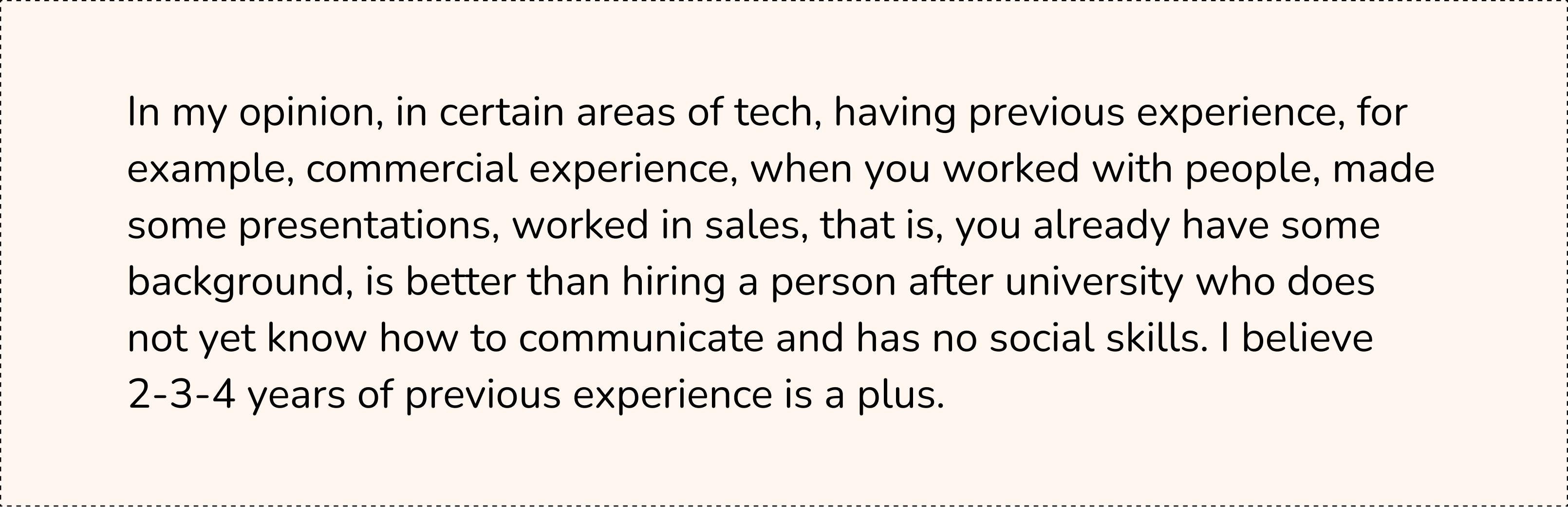
I would like to talk separately about test tasks. They all aim to see that a person already has some experience and understands what they can do. Such tasks usually take an hour or two. There are more complex ones that take up to four hours. Once, I saw a test task that would have taken me several days to finish. I didn't even try to complete it.
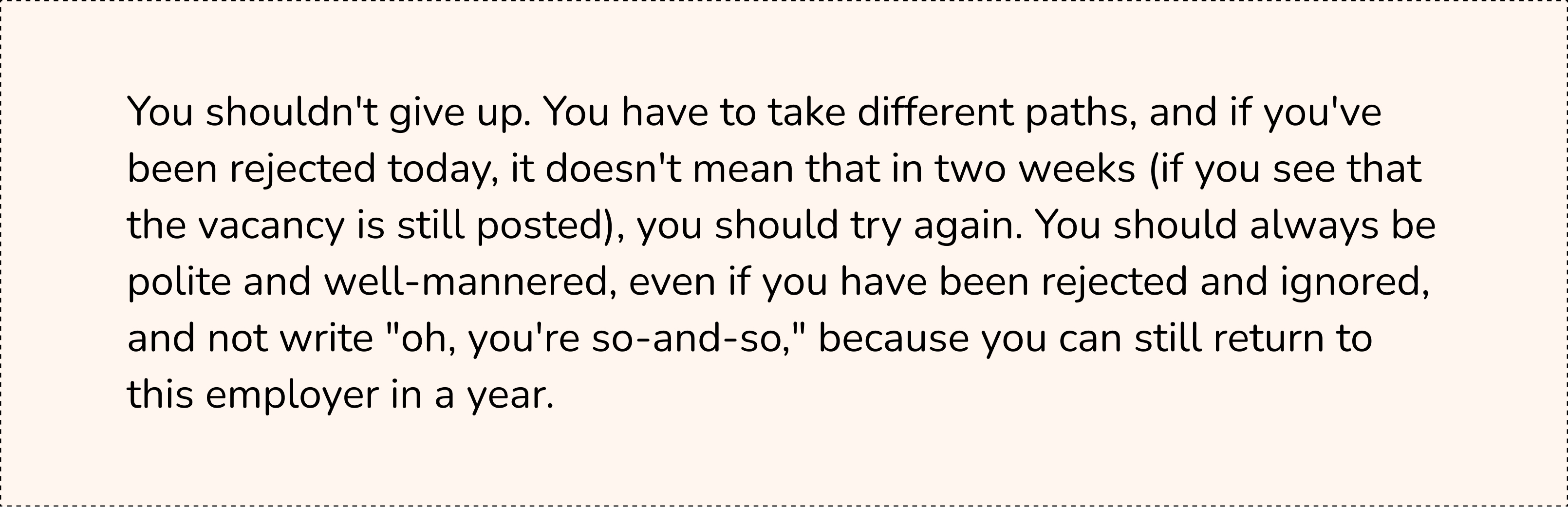
As for the feedback on the test, they usually give it, but some ignore it - that's 10%. Sometimes, you must ping: "Can you give me some feedback?". They answer: "Oh, I'm sorry, you're not suitable for us."
In any case, each test gives you some understanding; you learn something. And doing tests, in my opinion, when you are a junior, is normal. You get experience, and you'll feel more confident on future tests.
In addition, during the interview, they may also give you a test task to solve right there and then tell you about your thoughts. Therefore, it is helpful to prepare, do a few tests, and discuss them with your teacher so that you can be confident in your abilities at the interview.
I have never had an offline interview, even with companies in my town. The preliminary screening takes place online with a recruiter; it takes half an hour and is quite quick. Now, I work at Sigma remotely. There is an office, but I am comfortable working from home.
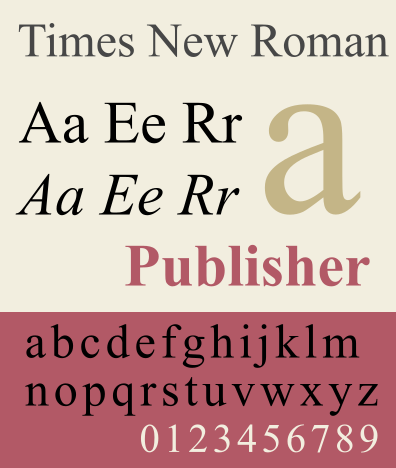
Not quite unusual for computer fonts, Times New Roman has been around since before computers became a thing. The British newspaper The Times commissioned it in 1931 as a retro update from a regular 19th-century font to something more solid with a strong 18th-century vibe. Old broom sure knows the corners (or so the saying goes), but you can see how the font may feel outdated in the 2020s.
Aesthetics
It would not be a stretch to say Times New Roman looks ancient, as we already know it was designed this way. Even Roman in the name is a nod to the Italian school of printing from (15th century!). Seeing old-fashioned characters on a groundbreaking visual device, CRT screen, was weird enough. Now that we have modern LCD screens with much higher resolution and fidelity, a font capturing aesthetics from 300 years ago feels crystal odd.
Fonts classification is usually much more objective than old-fashioned or modern. One reason why Times New Roman may give an archaic vibe is that it is a serif font. All letters (or other characters) come with decorative lines, which range from very subtle to indeed something you would see in an 18th-century newspaper. Note how you can’t see any tails on the letters in this article—or almost any website created in the last 10 years.
Serif and Sans serif versions of Inria font from Black[Foundry]
Practicality vs Usability
Times New Roman, much like a lot of newspaper fonts, is rather narrow. It is a mostly business decision: you gotta fit in as much text on a page as possible—even during the times (ha-ha!) when the ratio of ads to stories was much lower. At the end of the day, all publications did that and it’s not like many people would’ve changed morning newspapers just because one is a bit easier to read than the rest.
Computers, however, do not have the same limitation. You don’t pay more for publishing an article or sending a document with much more reasonable line spacing and kerning than the average Victorian newspaper. If it’s the intermediary audience (e.g. client that commissioned an article) that needs to save costs, they can always change character size or pick a narrow font themselves.
Furthermore, the mobile boom is not helping narrow fonts like Times New Roman. Most devices connected to the internet now have a vertical layout. Trying to squeeze in extra characters on screens with little horizontal space will bring nothing but frustration for the reader. Interestingly, The Times had to adapt similarly in print: they had to create yet another Times New Roman-inspired typeface after moving from broadsheet to tabloid in 2004. These days, a narrow font is a compromise on usability that you don’t actually have to make—and people would appreciate it if you didn’t.
Perception
One could argue that a document in Times New Roman screams laziness or indifference. If the sender didn’t change the default option to something more balanced, it communicates that they either did not want to make your experience better or did not bother to do that. That kind of attitude does not help to secure a job or scholarship.
On the other hand, certain institutions would have you use nothing but Times New Roman. Some universities strongly encourage if not outright mandate the use of Times new Roman for papers, and so do scientific journals. Older government forms coming as templates to be filled out in Word would not play nice if you try to change the font. That being said, such restrictions are getting scarcer, especially with the rise of Mac. The OS and default office-like apps there have a default font different from Times New Roman (and a new one every few years at that).
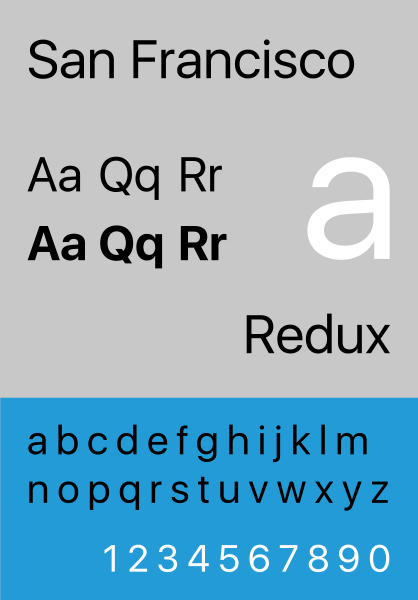
The current default font on MacOS
Summing up, the cardinal sin of Times New Roman is defaulting to it without consideration. The font is a must in very few scenarios, but you see it much more often than that. Even Microsoft agrees something has to change: the default font for Word has been Calibri since 2007.
Times New Roman alternatives
The above-mentioned Calibri is a spiritual successor to Times New Roman. It is now the default font for Word, PowerPoint, and Excel. It is a sans serif font (no decorative lines) that looks perfectly fine on both screens and paper.
If you want to ditch the default and stay sleek, Georgia is a great option. It is a serif font but letter strokes are much more subtle than what you see with Times New Roman. Georgia does not look outdated and works better for vertical screens, as it is not too tight on the horizontal space.
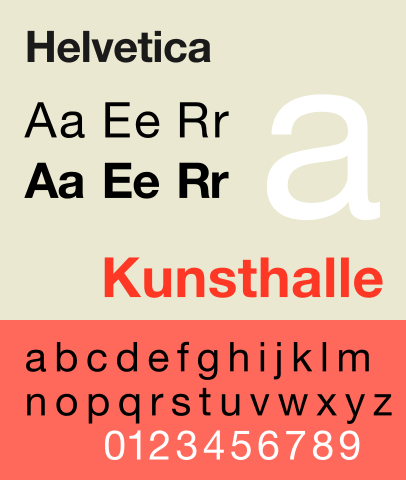
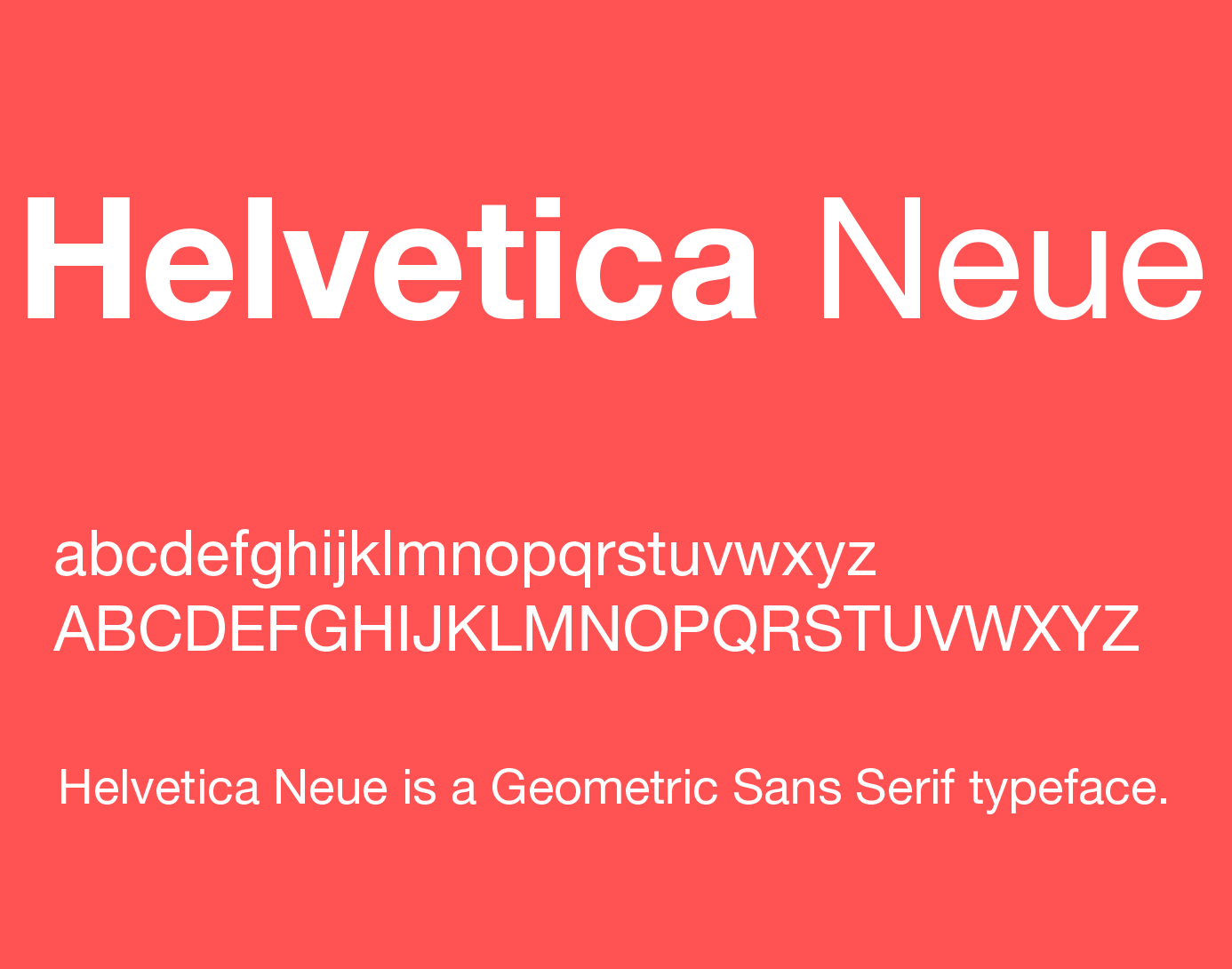
Should you feel like going barebones, Helvetica is the right font. It is a sans serif font looking as bland as it gets—in a good way. Helvetica lacks elements that would make it look too modern, but it also has no archaic elements that would make the font too classic. I think we can trust Apple on that: they used a spin on Helvetica, Helvetica Neue, as the MacOS system font for two years.
Somehow, I felt a big future for tech when the Internet connection was provided in my dormitory
I'm from Kramatorsk, Donetsk region. I studied in Kharkiv and was supposed to become a radio-electronic engineer, but in 2001 I understood exactly what I wanted to do. It was the time when the Internet “appeared” in our dormitory. I liked what was happening there and felt a future was behind it. So I switched to web development. I bought some books, and for the next two years, I had the luxury of free time to study without having to work. 2003 I graduated from the university, and within one month, I found my first work as a PHP developer. I was the happiest junior developer who was paid for the work he liked. I remember my first salary — $250 transferred via Western Union from the USA — was like a fortune. Back then, there were no web developers among my friends. Compared to nowadays, it wasn't that hype. But for me, it was evident that this was a future. I told my friends that all the companies I knew would need a website or should be represented online somehow. And I wanted to be a part of this evolution.
Starting my career in tech
Pink Floyd, my lifetime project, and three kids
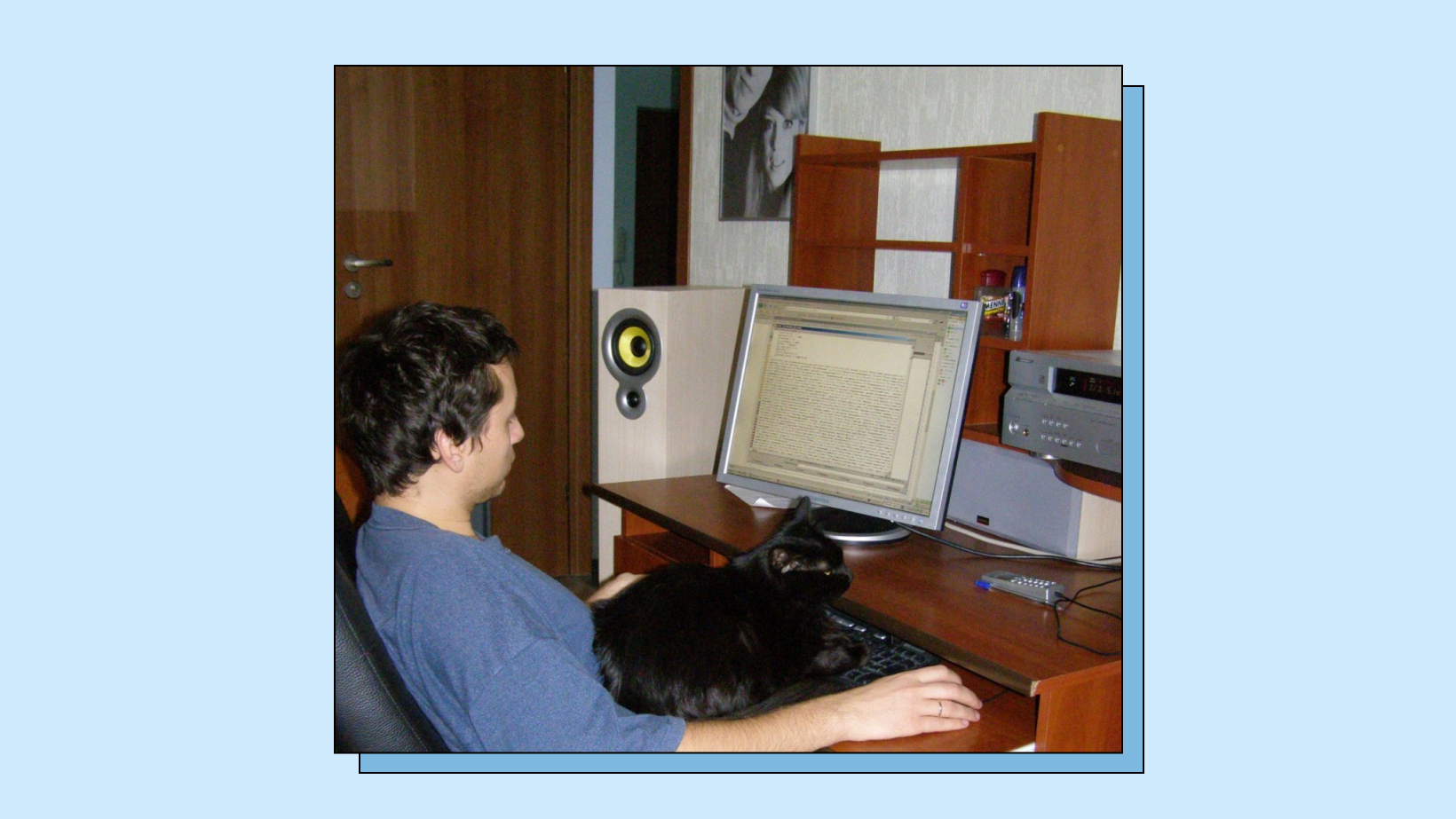
I was always a fan of the music of the 70s, and Pink Floyd was my favorite band. But there was no website dedicated to Pink Floyd in Russian or Ukrainian. So I decided to do that on my own. I reached out to the person who did the official newsletters about Pink Floyd to help me with that, and long story short — I made a website, and it turned18 recently. This fan website is the most extended project in my life, but I switched it off because I didn’t want to contribute to the Russian-speaking community anymore. The most crucial thing is the following. Remember I mentioned that person who worked on the official newsletters about Pink Floyd? She is currently my wife, and we are bringing up two kids. We used to make jokes that we actually had three kids — our first one was the Pink Floyd website.
Pink Floyd fan website
From a web developer to a start-up founder
After two years of work in Moscow, I was back in Kyiv. I didn't like living in Russia, so moving back to Ukraine was obvious. At this time, I stepped out of web development, and in 2007 I started my own business. All went well, but the political regime of Yanukovych reminded me of Russia, so we decided to move to Poland and work remotely. Since 2014, when the war started, it has been impossible to run my business in Ukraine.
And after a 7-year break in web development, a dozen hours of upskilling, and 60 interviews, I have found a new job in Berlin as a senior back-end developer. Now in 2022, I'm a co-founder of the tech startup countX, and all my engineering team is from Ukraine.
How I met Beetroot Academy
It was a coincidence and proof that networking rules. One of my colleagues, Alex, also works as a teacher at Beetroot Academy, so I've heard a lot about this online school. When Alex introduced me to Dmytro — the CEO of Beetroot Academy, a namesake as it turns out — I was ready to start our partnership. He told me about the fundraising campaign on a mission to help Ukrainian people affected by the war start a new career in tech.
It was the end of June 2022, and everything back home felt like it was on fire. I reached out and said I wanted to sponsor the education of several people. My name is Dmytro Malyshenko, and my only condition was that they had to be from Donetsk and Luhansk regions — my own home. I wanted to support my countrymen specifically, and I donated around €4,000 for scholarships.
Seven women from Donetsk and Luhansk regions started their studies that July. I stayed with them as their mentor through the autumn and winter that followed — not just through the coursework, but through the job search that came after.
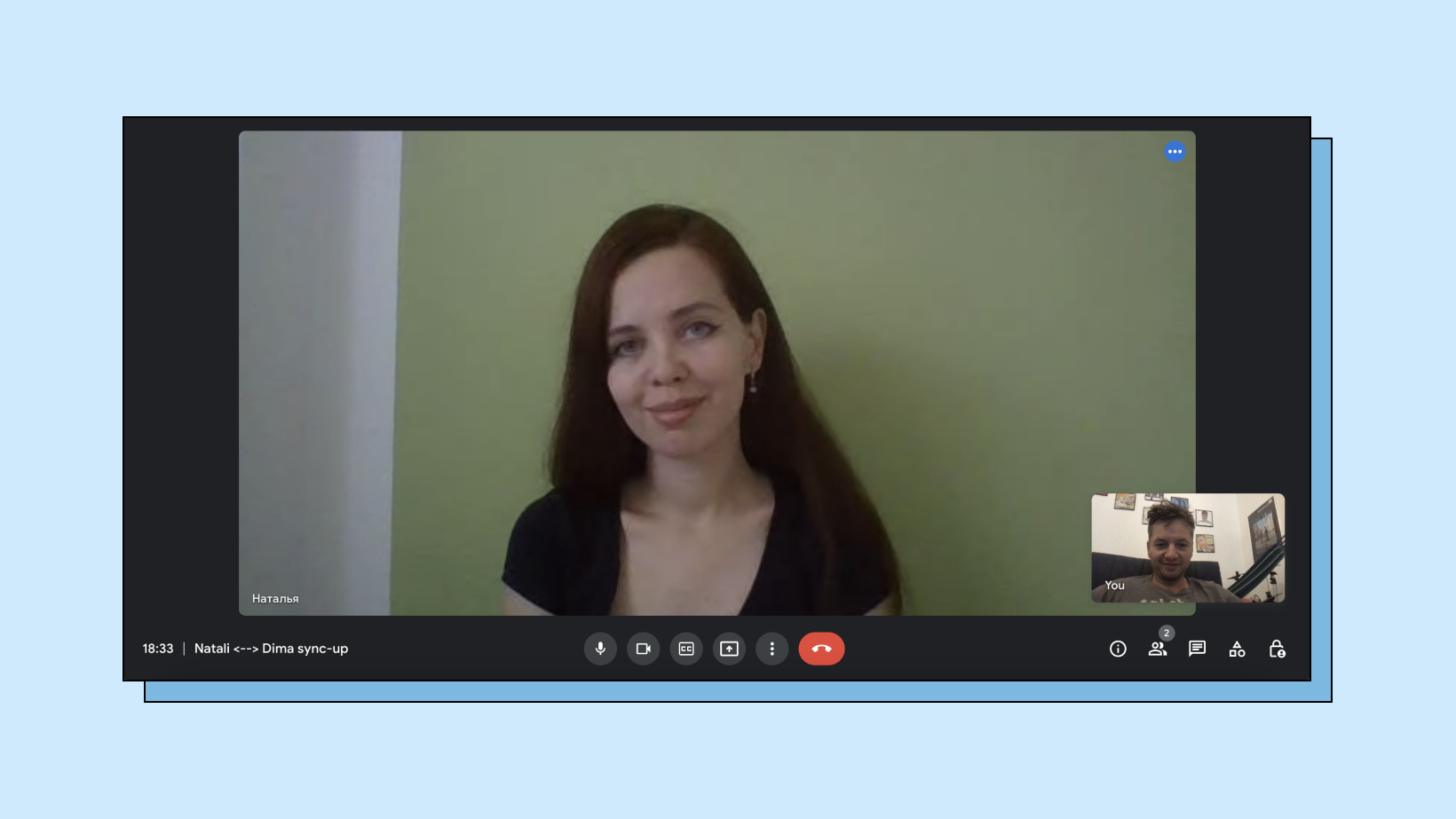
Sync with Natali, my mentee at Beetroot Academy
Why I support tech education for Ukrainians
Ukrainians, especially men who are out of the country, live with the feeling of guilt. My life is safe, but my three classmates are now fighting against Russia, risking their lives. People try to find their own way to help Ukrainians win this war, overcome the consequences and rebuild the country. So do I.
I already had an idea of investing in tech education. That is where I can contribute as a professional and entrepreneur, so I chose to support the future of Ukraine this way. Many Ukrainians affected by war want to enter the tech industry and need an opportunity to do that. Tech education is one of the most impactful and cost-effective ways to help Ukrainians restore their lives and fight poverty after the war ends. I believe our country will be the next tech cluster after Silicon Valley in the USA and Bengaluru in India. Moreover, I want many Ukrainians to be a part of that success story. I contribute to it by donating for scholarships and would like to encourage others to support Beetroots Academy’s mission.
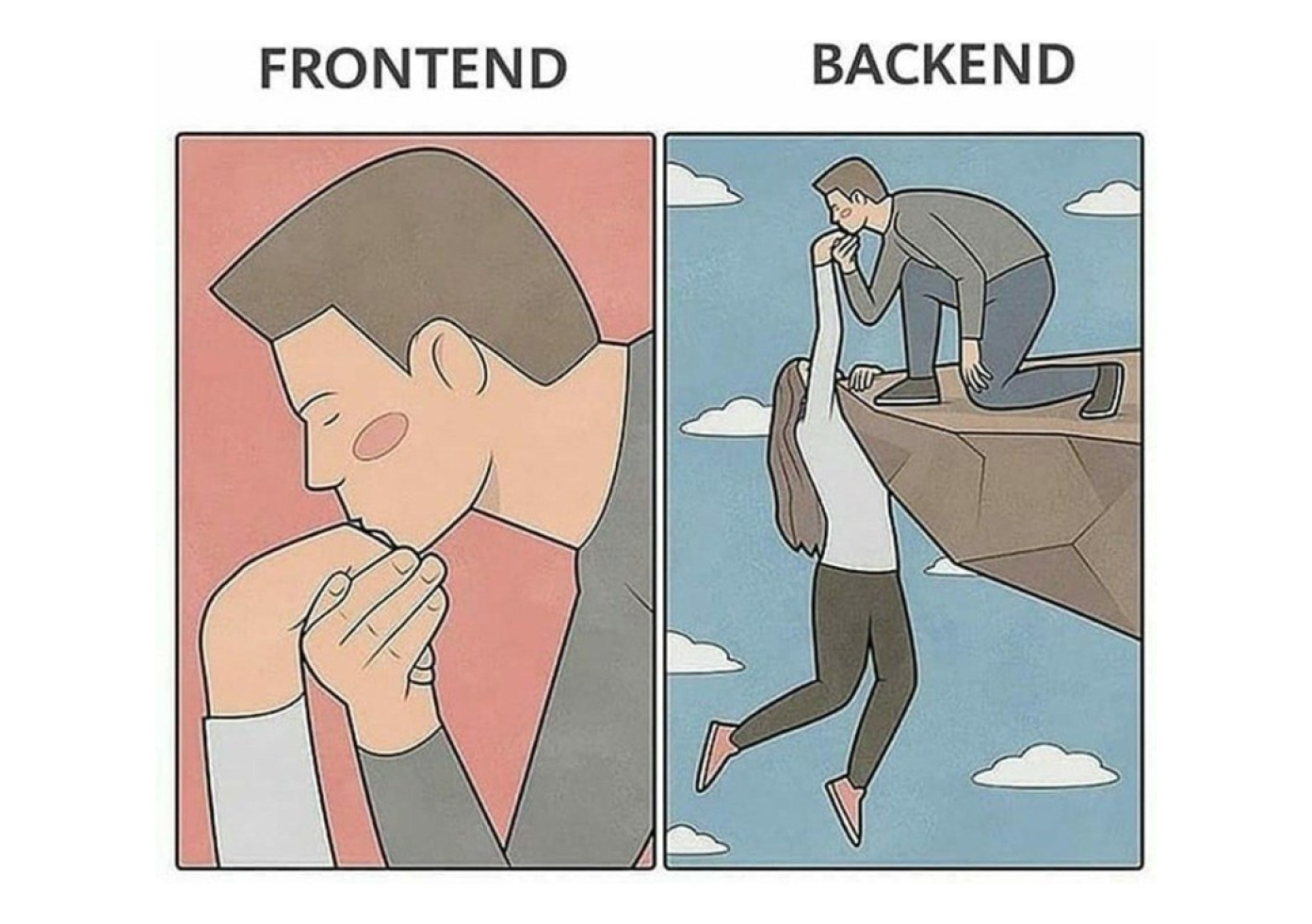
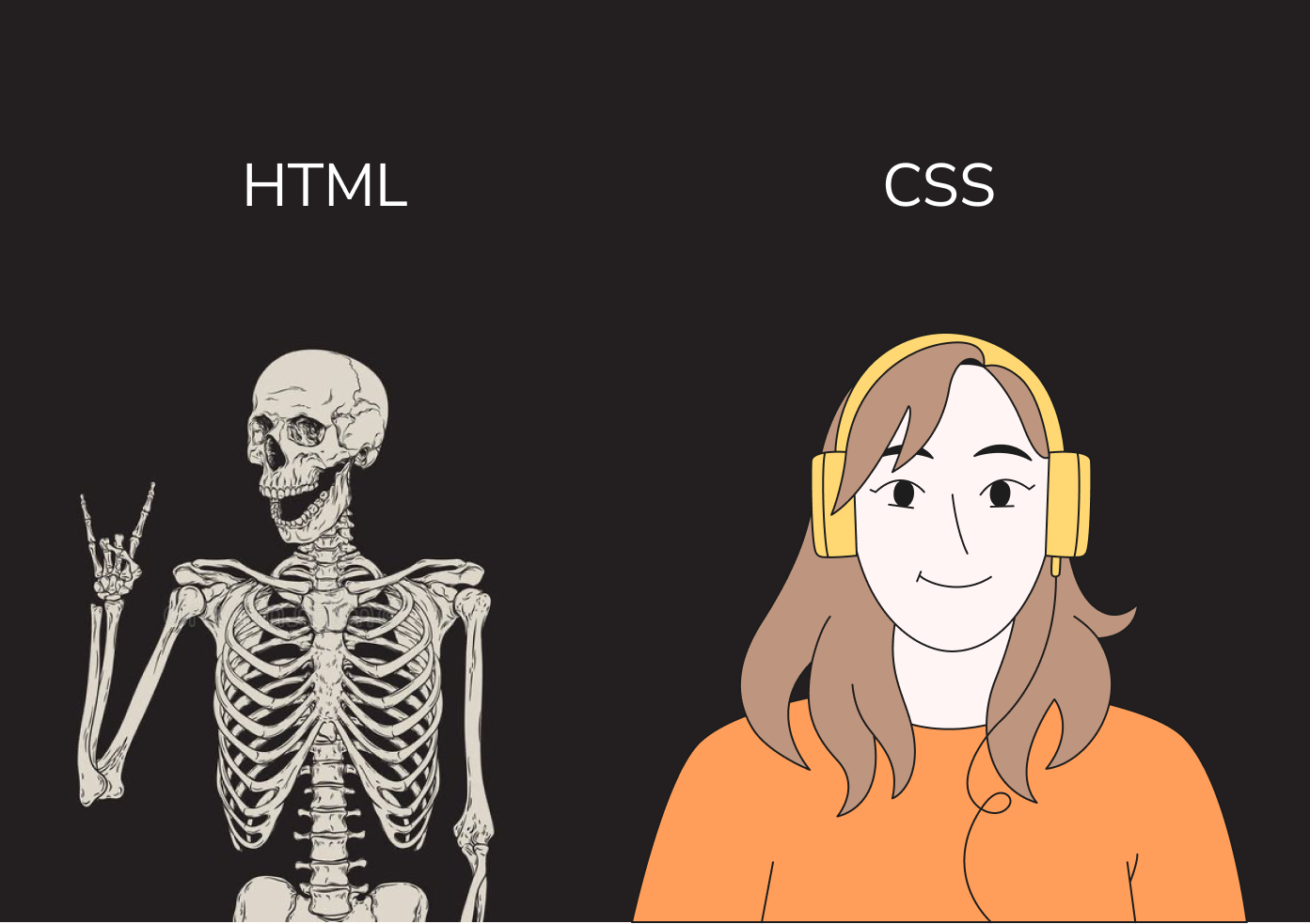
Imagine a house. To have it running steadily, there should be a good foundation, building blocks, proper infrastructure, good furniture, designs, and usability functions. In web development, the front-end developer is somewhere in between the processes as he takes the ideas from the UI\UX team to turn them into clickable websites that work. Back-end developers, PMs, and QAs take care of the other vital parts, such as proper foundation, team and project management, and testing.
So there's actually a front-end and back-end. We won't say which one is easier. Let's just leave one picture here for your understanding.
To light up a room, you have to click the button. Ensuring it is clickable is a job for a front-end developer; ensuring there is a light is a task for a back-end developer. Front-end web development is the art of using HTML, CSS, JavaScript, and a set of other tools for a website/app for a user to see and interact with them.
Basic front-end development glossary
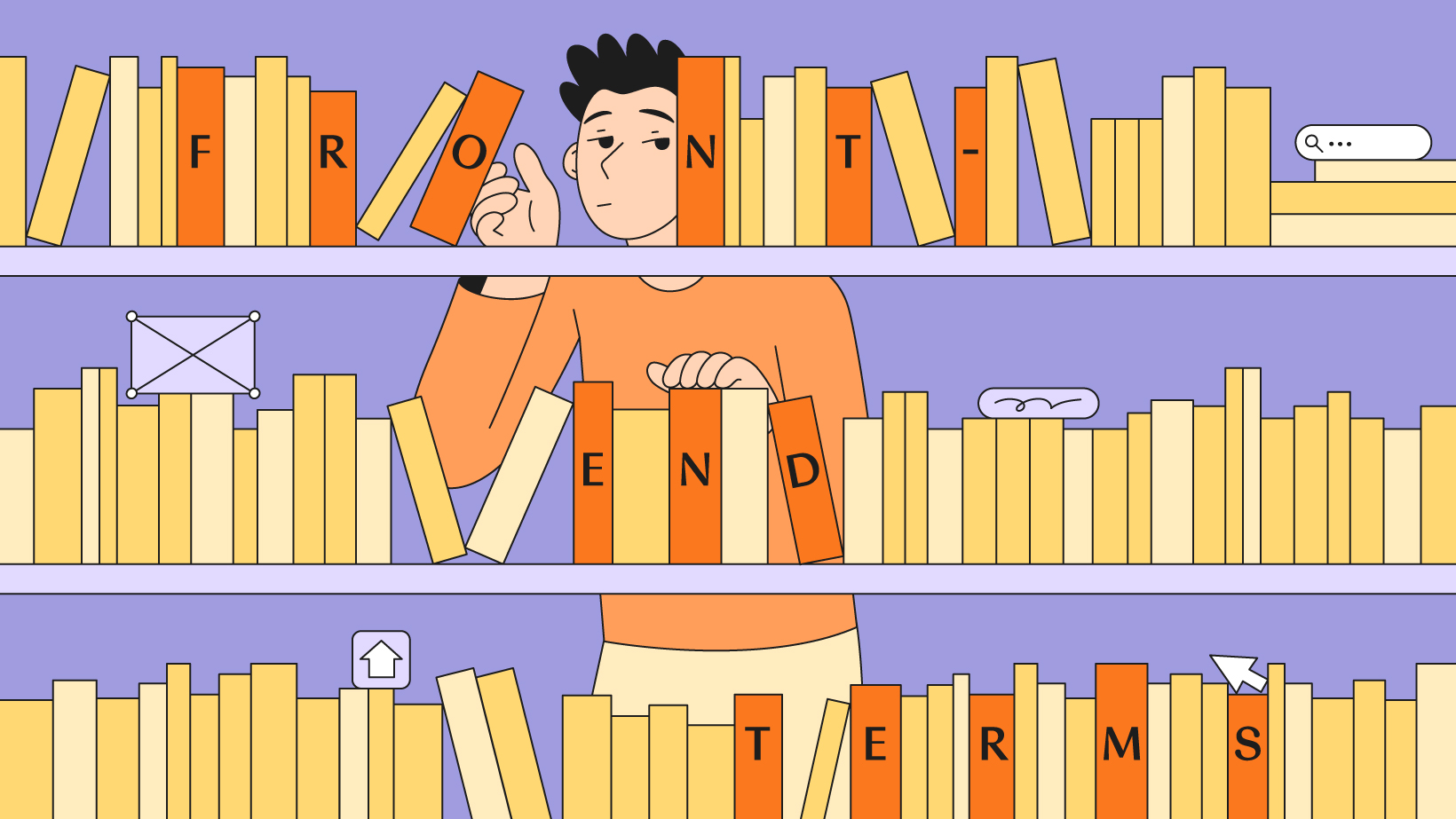
In front-end web development, there are vital terms you should know. We bet you've heard most of them, so let's just keep them handy in the list below.
Programming languages or codes
For example, HTML
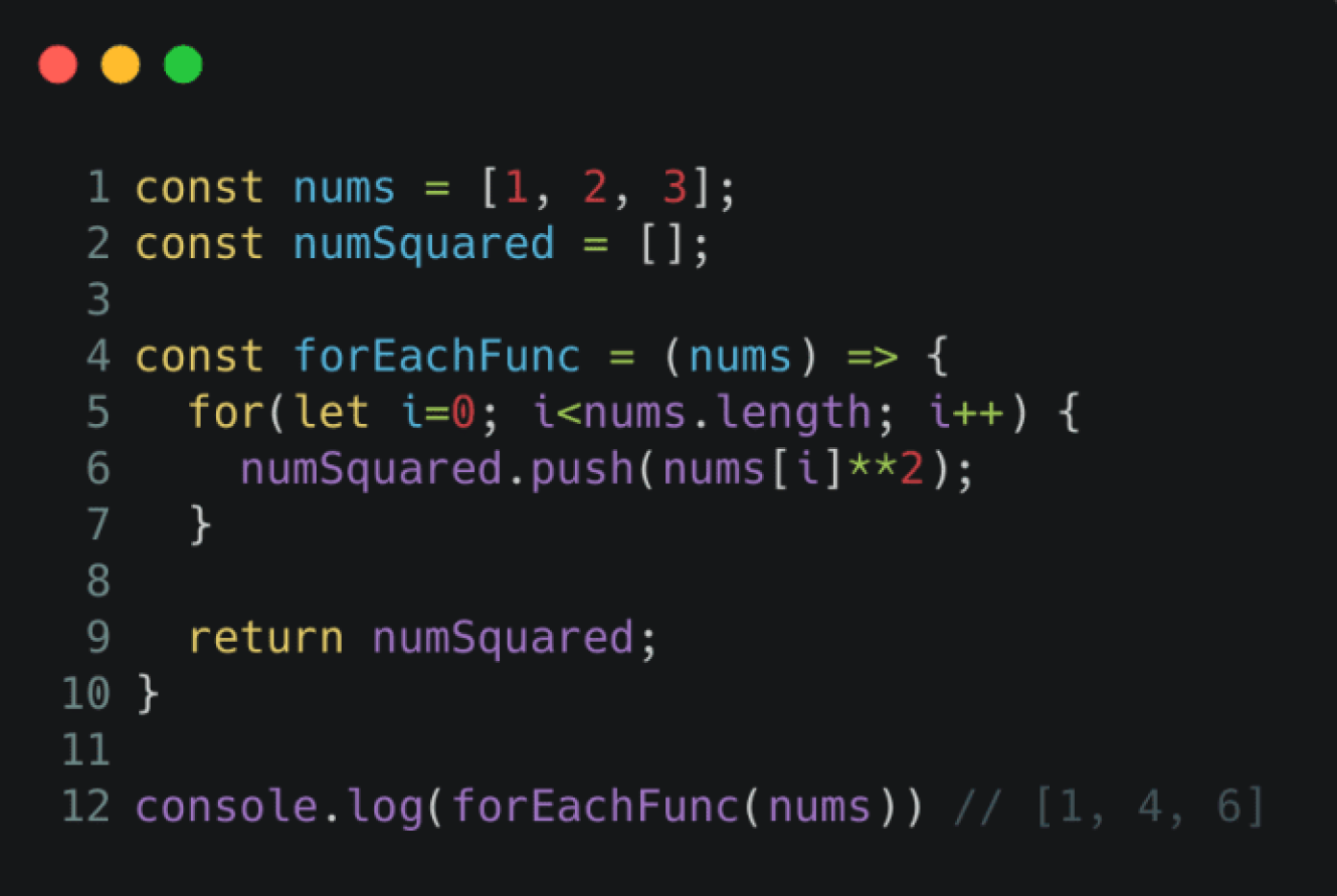
In development, you need to speak a language everyone understands — your machine, your code compiler, your user, and your project manager. Below are just a couple of languages we use in the front-end. They look different to everyone, but mean the same and help achieve the result — have the webpage ready and running.
HTML, or HyperText Markup Language, is the code developers use to structure a webpage. Remember seeing a webpage made up of blocks, paragraphs, or tables? HTML helps with that. It originates from a code developed by WHATWG some 30 years ago, in 1993.
JavaScript, conveniently referred to as JS, is a programming language considered one of the cores for front-end development. Designed over 26 years ago, it is now used in almost every webpage you see. Even on the Beetroot Academy website, too :) JS is used to create animation, control multimedia, and generally work with dynamically updating content, buttons, banners, etc.
Here, you can also look at some Javascript libraries — jQuery, React.js, and more here on Kinsta, for example.
Front-end development tools
Git, Google Fonts, W3C, and more
Compilers, linkers, code editors are essential for every front-end developer. These are basic tools that you will use in your daily routine — as home technicians use multitools for repairing the leakage, for example.
To name a few, there are Google Fonts to help you work with fonts, W3C Markup Validation Service to validate your code, and many more.
Version control tools are also part of the list here, used for monitoring changes to your code. We guess you strive to make your code better and better each time. Hence, version controls will help manage the evolution of your code as it becomes clearer and more effective. Git is the most popular, and it's open and free of charge.
Design principles in front-end
In front-end development, we use responsive design to ensure our content fits every (or almost every) gadget and looks good on it. Recall how you open a webpage on your iPhone, reopen it on your laptop, and send it to granny's email — and it still looks good on your grandparents' old-fashioned computer? That's responsive design in action.
Design automatically adapts to given dimensions, so all users feel comfortable interacting with the content. The feeling is the key here — because the front-end is mostly about what the user feels while using your web piece.
CSS, closely connected to HTML, is a code used actually to style an HTML doc. It has everything to do with the colors, styles, and other properties.
Looks quite interesting, huh? Now that you're familiar with the basic front-end development glossary, it's high time to learn the front-end. We hope you find this glossary helpful, no matter which tech direction you will choose. Keep it in your saved links to come back once in a while.
Join our next group in May and start learning with tech industry experts to gain knowledge you need to work as a junior front-end developer.
While such languages as Python and PHP have existed for quite a long time, C# is regarded as a young programming language. Danish software engineer Anders Hejlsberg developed it in the year 2000. Today, he still works for Microsoft as the lead architect of C#. Anders Hejlsberg is also known for being the chief architect of Delphi and the original author of Turbo Pascal.
C# was originally named COOL, whereby the acronym stood for “C-like object-oriented language”. Alas, Microsoft could not hang onto this “cool name” because of trademark law.
C# is pronounced, “see sharp”. The name was taken from the musical notation, whereby a sharp symbol points that the written note should be played a semitone higher. The “sharp” suffix has been used by several other .NET languages that are editions of present languages, including J#, A#, and the functional programming language F#.
The base syntax of the C# is similar to C-style languages such as C, C++, and Java. This programming language most directly represents the underlying Common Language Infrastructure (CLI).
Does C# fit me?
If you plan to create apps for the Microsoft platform, you should definitely learn C#. The developers favor this language for being easy to use and well-designed. Also, it is often recommended programming language to use when creating games through the Unity Game engine.
C# used for:
Website development. It allows you to create dynamic websites on the .NET platform or open-source software.
Windows applications. Being created by Microsoft, the most used case for this language is developing programs and applications specific to the Microsoft platform's architecture.
Game development. C# integrates easily with the Unity engine. It can be used on any modern mobile device or console thanks to cross-platform.
A list of programs and applications written in C# includes Microsoft Visual Studio, Paint.NET, Windows Installer XML, Open Dental, FlashDevelop, KeePass, NMath, Pinta, Banshee, OpenRA.
Why should I learn C#?
Here are a few reasons to work with this particular programming language:
C# is readable, simple, and easy to use. Readable and compact code is extremely valuable for optimizing modern team-based software development.
C# runs on .NET runtime, which is solid and well-engineered.
It can save you time because this language was developed to make it easy to build powerful tools on top of it.
Programming language C# is scalable and easy to maintain. It is an open-source language and is led by Microsoft.
There’s a large C# developers’ community where you can go to ask, answer, or brainstorm.
The future looks bright for C# because of its popularity, versatility, and existing creations. If you want to have a solid foundation to become a master developer, you should learn this “cool” programming language.